Microsoft Copilot AI Review Features, Pricing, Pros & Cons
⭐⭐⭐⭐⭐ 4.7/5 (Expert Rating)
Based on AI Features, Productivity & Microsoft Integration
AI-Powered Assistant for Productivity,
Writing, Coding & Microsoft 365
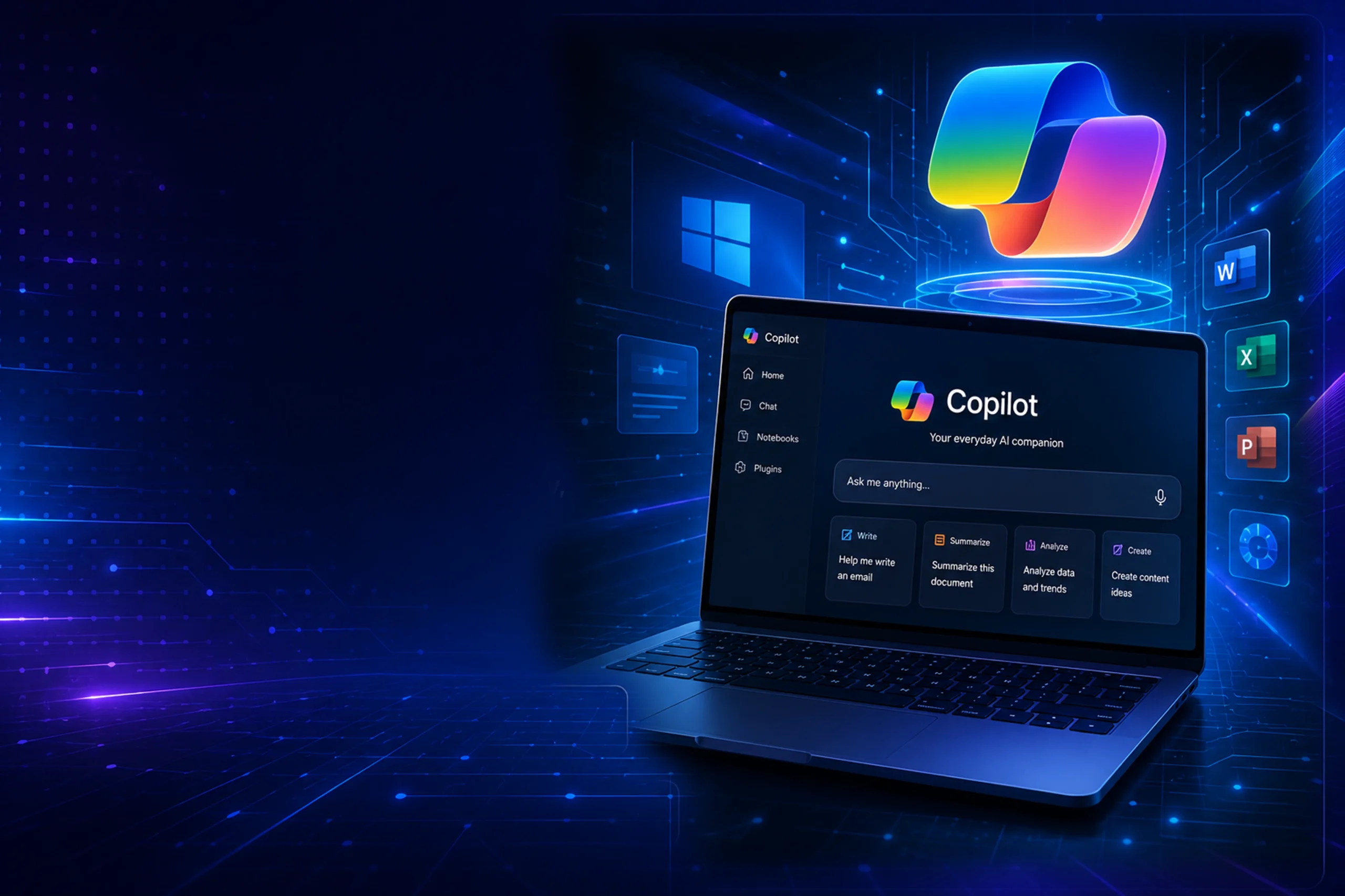
Microsoft Copilot is Microsoft’s AI assistant designed to enhance productivity across Windows, Microsoft 365, Edge, and Bing. It helps users write content, summarize documents, generate code, answer questions, and automate everyday tasks using advanced AI technology.
⭐ Overall Rating
⭐⭐⭐⭐⭐ 4.7 / 5
Based on productivity, Microsoft 365 integration, AI assistance, writing capabilities, coding support, and overall user experience.
✔ Best for: Productivity & Microsoft 365 Users
✔ Pricing: Free + Copilot Pro
✔ Platform: Windows, Web, Android, iOS
✔ Microsoft 365 Integration
✔ AI Writing Assistant
✔ Coding Support
✔ Image Generation
✔ Regular Feature Updates
📋 Quick Summary
Microsoft Copilot is Microsoft’s AI-powered assistant designed to improve productivity across Windows, Microsoft 365, Edge, and the web. It helps users write content, summarize documents, generate code, answer questions, create presentations, and automate daily tasks. With deep integration into the Microsoft ecosystem, Copilot is an excellent choice for students, professionals, developers, and businesses looking to work more efficiently.
⭐ Key Features of Microsoft Copilot
Explore the powerful AI capabilities that make Microsoft Copilot one of the best productivity assistants for Windows, Microsoft 365, coding, writing, and business workflows.
🖥️ Microsoft 365 Integration
Works seamlessly with Word, Excel, PowerPoint, Outlook, and Teams to boost productivity.
✍️ AI Writing Assistant
Create emails, blogs, reports, summaries, and professional content within seconds.
💻 Code Generation
Generate, explain, debug, and optimize code with AI assistance for developers.
📄 Document Summarization
Summarize lengthy documents, PDFs, and reports into clear key points.
📊 Excel Data Analysis
Analyze spreadsheets, generate formulas, and create insights from your data.
🎨 AI Image Generation
Create high-quality AI images using Microsoft’s image generation capabilities.
🌐 Web Search
Access real-time information from the web with Bing-powered AI search.
🤝 Team Productivity
Collaborate efficiently using Copilot across Microsoft Teams and Microsoft 365 apps..

Explore the strengths and limitations of Microsoft Copilot to determine whether it’s the right AI assistant for productivity, Microsoft 365, writing, and business tasks.
👍 Pros
✅ Deep Microsoft 365 Integration
✅ Excellent AI Writing Assistant
✅ Strong Coding Support
✅ AI Image Generation
✅ Web Search with Bing AI
✅ Easy to Use Interface
✅ Regular Feature Updates
✅ Great for Business Productivity
👎 Cons
❌ Advanced features require Copilot Pro
❌ Best experience inside Microsoft ecosystem
❌ Internet connection required
❌ Limited customization options
❌ Some features depend on Microsoft 365 subscription
❌ Fewer third-party integrations
❌ Image generation has daily limits
❌ Not ideal for highly creative writing
⚔️ Microsoft Copilot vs ChatGPT
Compare Microsoft Copilot and ChatGPT side by side to understand which AI assistant is best for productivity, Microsoft 365, writing, coding, and everyday tasks.
Feature
Developer
Free Plan
Best For
AI Writing
Coding
Microsoft 365 Integration
Web Search
Image Generation
Voice Chat
File Upload
API Access
Pricing
Overall Rating
Best Choice For
Microsoft Copilot
Microsoft
✅ Yes
Microsoft 365 Productivity
⭐⭐⭐⭐⭐
⭐⭐⭐⭐☆
⭐⭐⭐⭐⭐
✅ Bing Search
✅ Yes
✅ Yes
✅ Yes
Azure + Microsoft
Free + Copilot Pro
⭐⭐⭐⭐☆ (4.7/5)
ChatGPT
OpenAI
✅ Yes
General AI
⭐⭐⭐⭐⭐
⭐⭐⭐⭐⭐
❌ No
✅ ChatGPT Search
✅ Yes
✅ Yes
✅ Yes
OpenAI API
Free + Plus + Pro
⭐⭐⭐⭐⭐ (4.9/5)
💰 Microsoft Copilot Pricing Plans
Choose the right Microsoft Copilot plan based on your productivity, Microsoft 365, and AI assistance needs.
Free Plan
Free
✓ AI Chat Assistant
✓ Bing AI Search
✓ AI Writing
✓ Image Generation
✓ Voice Chat
✓ Web Search
✓ Windows Integration
✓ Basic Microsoft Apps Support
Best For
Students
Casual Users
Everyday Productivity
Copilot Pro
$20 / Month
✓ Priority AI Access
✓ Microsoft 365 Apps Integration
✓ Word AI Assistance
✓ Excel AI Analysis
✓ PowerPoint AI Creation
✓ Outlook AI Writing
✓ Faster Performance
✓ Advanced Image Generation
Best For
Professionals
Business Users
Microsoft 365 Subscribers
❓ Frequently Asked Questions
Find answers to the most common questions about Microsoft Copilot, including pricing, Microsoft 365 integration, AI features, and productivity.
❓ Is Microsoft Copilot free to use?
Yes. Microsoft Copilot offers a free version with AI chat, writing assistance, image generation, and Bing-powered web search. Users can upgrade to Copilot Pro for premium AI features and Microsoft 365 integration.
❓ What is Microsoft Copilot used for?
Microsoft Copilot helps users write documents, summarize content, generate code, create presentations, analyze spreadsheets, and improve productivity using AI across Microsoft applications.
❓ Does Microsoft Copilot work with Microsoft 365?
Yes. Copilot integrates with Microsoft Word, Excel, PowerPoint, Outlook, Teams, and other Microsoft 365 apps to automate everyday tasks.
❓ Is Microsoft Copilot better than ChatGPT?
Microsoft Copilot is ideal for Microsoft 365 users and business productivity, while ChatGPT is stronger for general AI conversations, creativity, coding, and broader AI use cases. The best choice depends on your workflow.
❓ Can Microsoft Copilot generate images?
Yes. Microsoft Copilot includes AI image generation powered by advanced image generation models, allowing users to create images from text prompts.
❓ Is Microsoft Copilot safe?
Yes. Microsoft Copilot follows Microsoft’s security and privacy standards. However, users should avoid sharing confidential or highly sensitive personal information with any AI assistant.
🏁 Final Verdict
After reviewing its features, pricing, Microsoft 365 integration, and productivity tools, here’s our final opinion on Microsoft Copilot.
Microsoft Copilot is one of the best AI assistants for users who work within the Microsoft ecosystem. Its deep integration with Windows, Microsoft 365, Bing Search, and productivity applications makes it an excellent choice for professionals, students, and businesses.
The free version already offers impressive AI capabilities including writing assistance, web search, coding help, and image generation. Copilot Pro unlocks additional premium features that significantly improve productivity for power users.
If your daily work depends on Word, Excel, Outlook, Teams, or Windows, Microsoft Copilot is one of the smartest AI assistants available today. Users looking for a more general-purpose AI assistant may also consider ChatGPT, but for Microsoft productivity, Copilot is an excellent investment.
⭐ Overall Rating: 4.7 / 5
✅ Recommended For:
- Students
- Microsoft 365 Users
- Business Professionals
- Developers
- Office Productivity
🚀 Ready to Try Microsoft Copilot?
Experience Microsoft’s AI-powered productivity assistant and discover how Copilot can help you write faster, analyze data, generate content, and work smarter every day.
Visit Microsoft Copilot Official Website →
────────── ⭐ ──────────